TV Buying Decisions: Types, Sizes, Placement
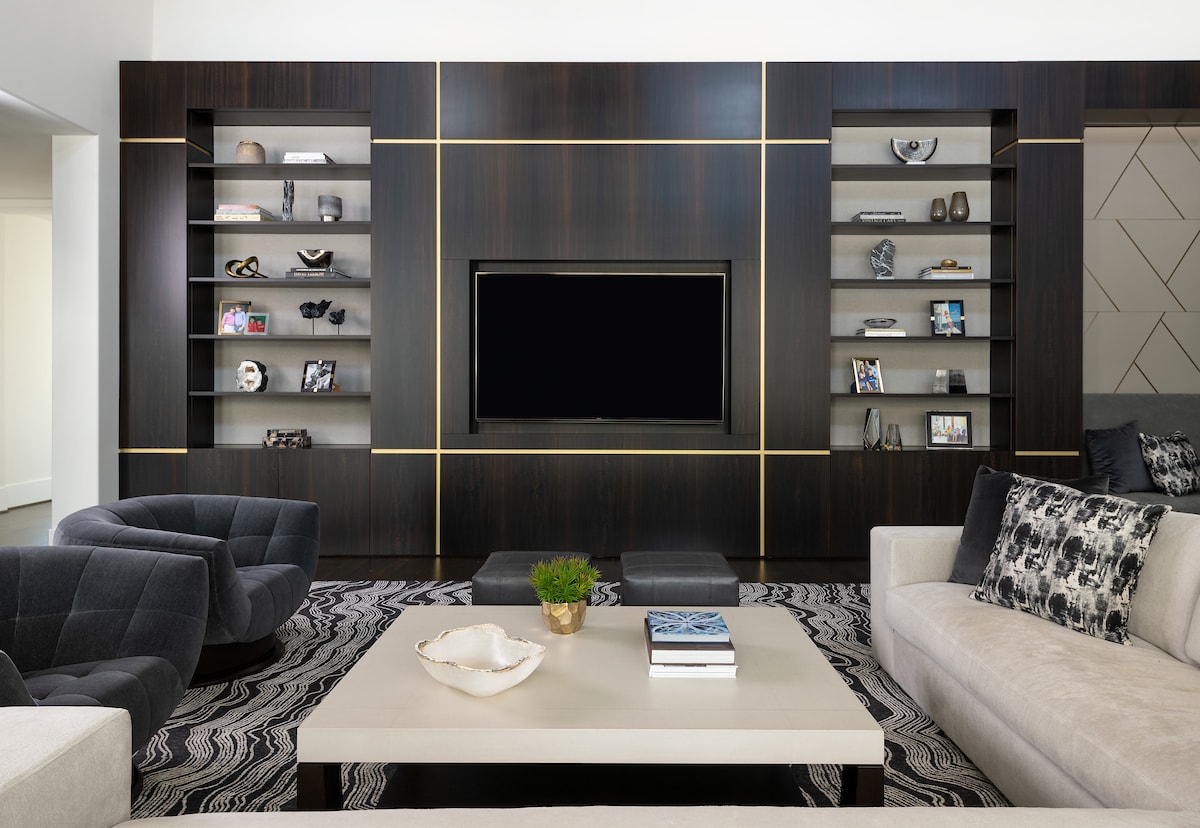
Before shopping for a new TV for your room, it’s essential to think about how you’ll use it. Will you host movie nights with a large group? Will you occasionally indulge in a binge session watching your current favorite guilty pleasure series but prefer it to disappear when not in use? Perhaps you like the TV on most of the time for financial markets and other news during the day and family shows at night?
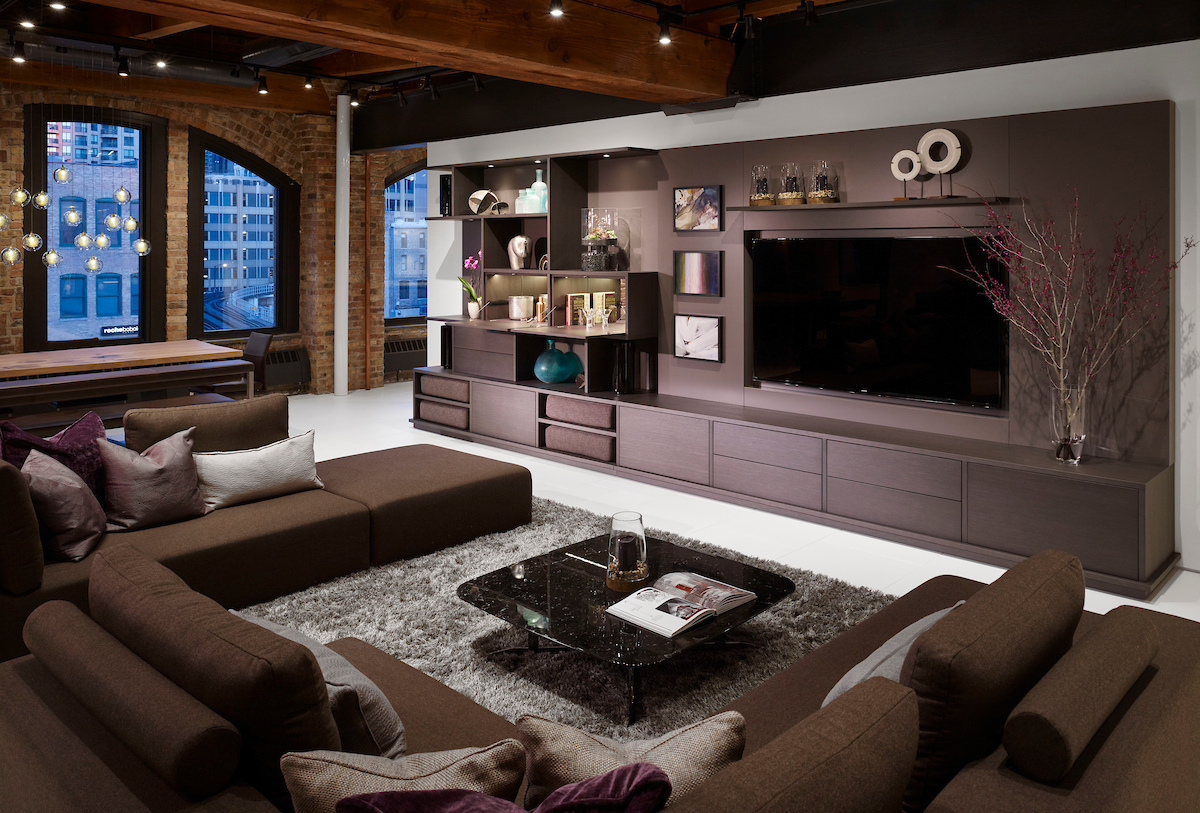
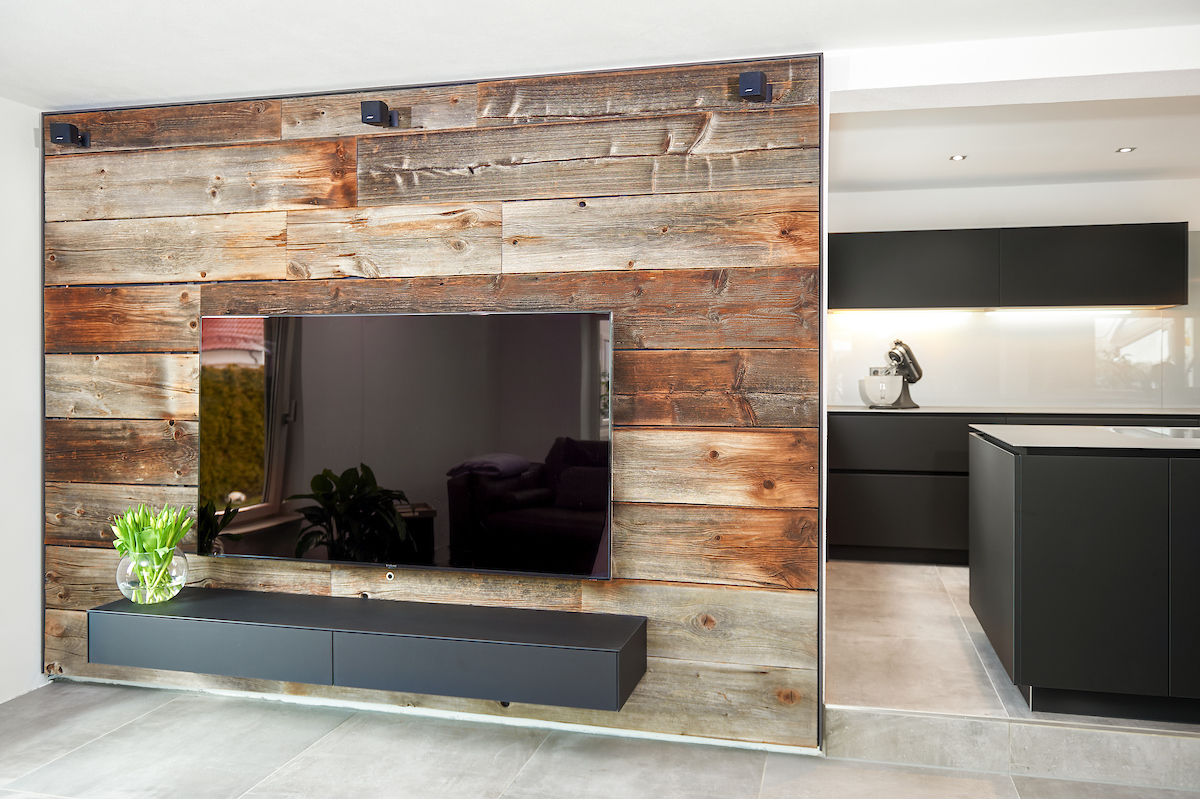
How you plan to use the TV will significantly influence the design of your space. For instance, do you want the TV to be the focal point or more discreetly hidden? The answer will guide decisions on how much and what type of storage you need for media devices, gaming consoles, movie collection, comfy throws, and other unrelated items such as board games and books. You might even consider a full media wall with a fold-down bar, art niches, and bench seating to create a multi-functional space.
You’ll also want to consider practical elements like the room’s shape, the location of windows that may create glare, and the placement of power outlets. These factors all impact how you’ll arrange your seating and design the space to ensure a comfortable and functional viewing experience.

TV Terminology
Before diving into TV placement, heights, and viewing distances, let’s review some TV terminology that is unavoidable in today’s TV market.
Resolution
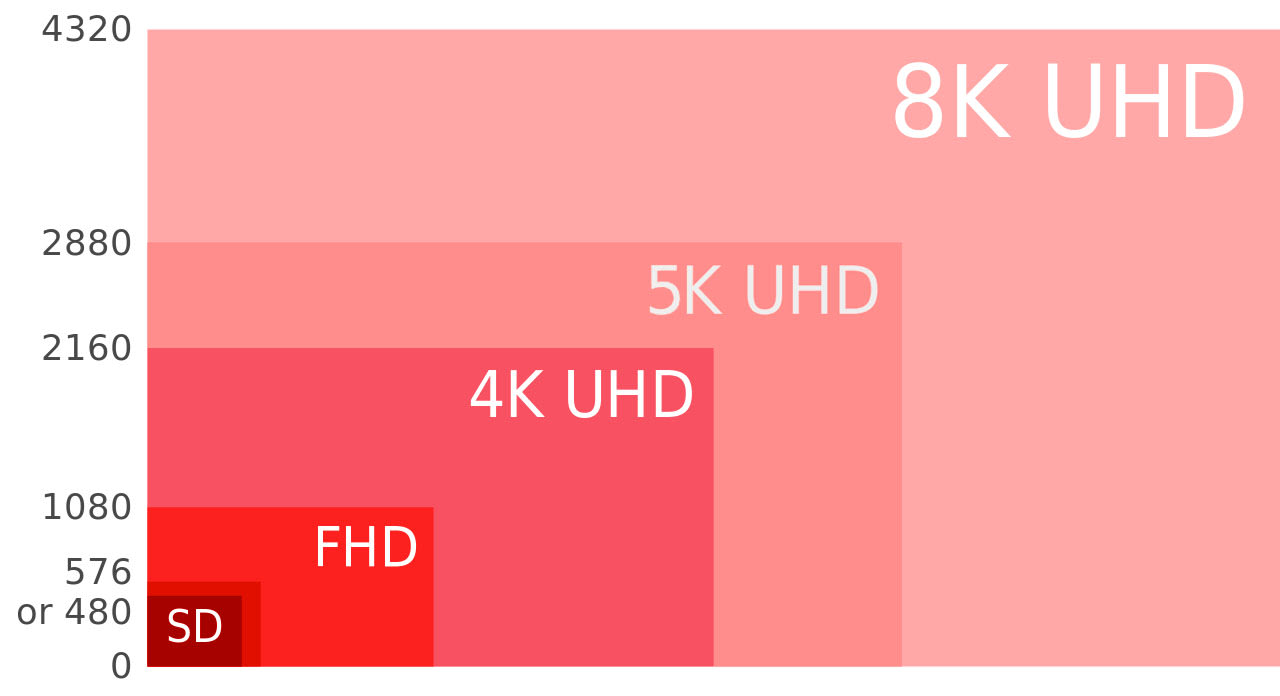
Resolution refers to the number of pixels on your screen that create the picture you see. Today you will find Full HD 1080p (1,920 x 1,080 pixels), 4K Ultra HD or UHD (3,840 x 2,160), and 8K or 8K UHD (7,680 x 4,320). 4K Ultra HD is the standard in 2024. Full HD screens are old technology found in the smallest and least expensive models; and 8K resolution found on expensive, big-screen TVs.
Generally, the greater the number of pixels, the sharper the picture, and this becomes more important as the size of the screen increases. For example, the pixels in a 55” 4K screen packed densely so the display is likely to be amazingly sharp and an 8K screen in the same size would not provide benefit. But for 75” and above sized 8K screens, the additional pixels bring clarity. Keep in mind that investing in 8K in the year 2024 means you are mostly investing in the future as there is not much content available yet in 8K. If you do buy 8K, the content will need to upscaled —meaning the TV’s internal processing system will need increased resolution to match its capabilities.
For this reason, it’s advisable to choose a premium model from a reputable brand known for good upscaling. This is a good question to discuss with your in-store tech or audio/video designer when selecting an 8K TV.
Backlighting
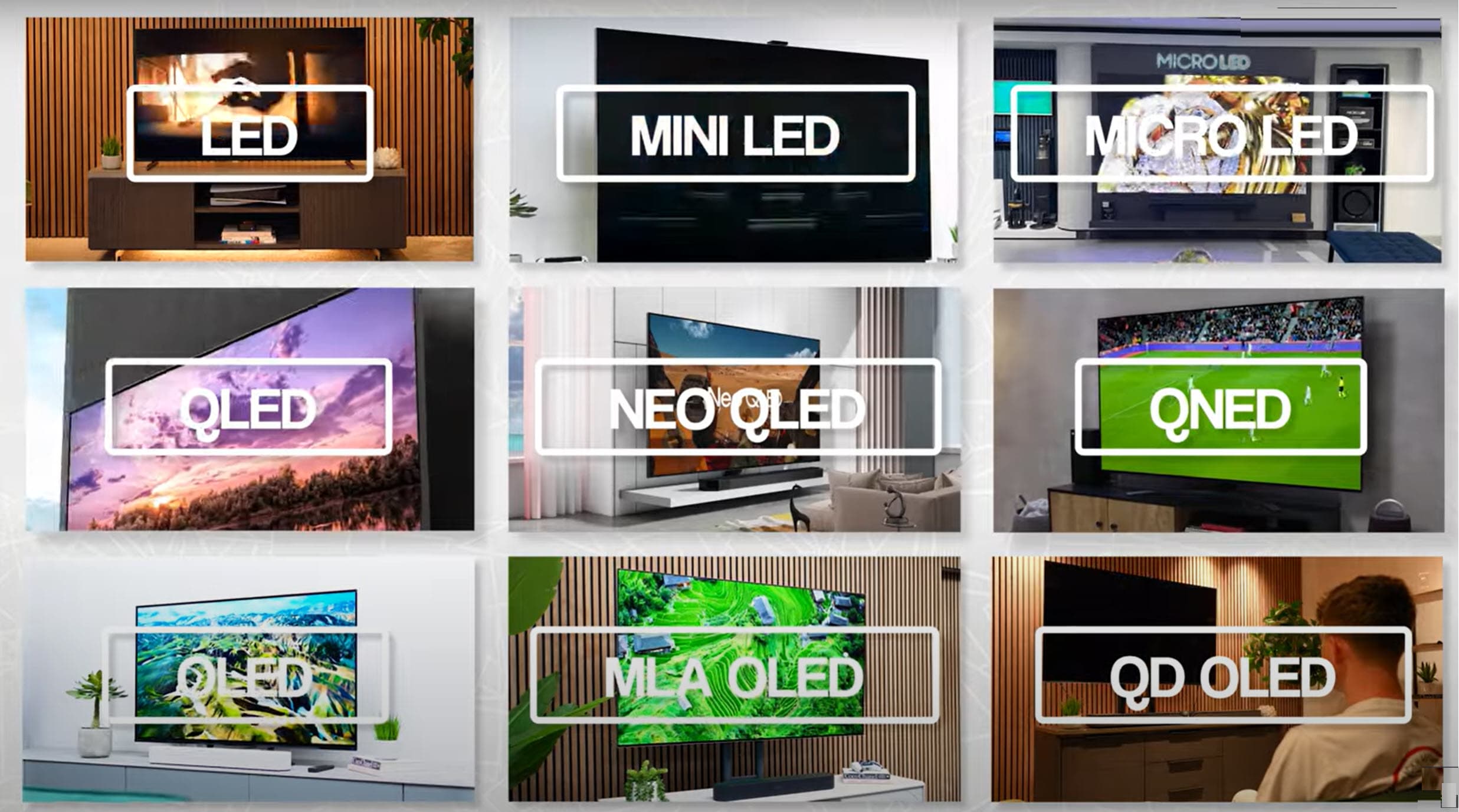
With few exceptions (being OLEDs and some Micro LEDs), all modern TVs use LED backlighting. Backlighting is key to how well your LED screen contrasts between dark and light objects.
The backlighting is passed through multiple layers:
- layer that makes the color and image
- layer that lights the image so we can see it controlled by the TV’s internal processing.
Full array – uses a grid of LEDs spread across the entire screen of a TV. This allows for more precise control over the intensity and power of the LEDs, which results in better contrast and deeper blacks than other TV backlighting technologies.
Edge lighting – typically a budget TV or one that needs to be thinner than direct-lit TVs. A ring of lights around the screen illuminates the display. This is not ideal, as it commonly bleeds through in very dark rooms, revealing the light source that interferes with your enjoyment of the picture.
Direct-lit – backlighting is behind the display and can be brighter than edge-lit screens. Without local dimming, direct-lit TVs may look odd in darker rooms with splotches that reveal the backlighting.
Local dimming – a technology becoming ubiquitous even on cheaper TVs in which multiple LEDs in the back coordinate to light or darken small bleeding screen sections as needed to improve contrast for bright images on a dark background and prevent bleeding.
Mini-LED – and affordable technology that provides for more dimming zones than local dimming behind the panel for better control. The LEDs are smaller with thousands across a screen making the backlighting more precise for much-improved contrast without as much halo effect around bright images on dark backgrounds.
OLED (Organic LED) – a more recent and pricier technology in which individual pixels are self-backlit providing perfect contrast, called self-emissive display. Blacks are absolute black because the pixel is off. The downside, for some, is that OLEDs do not typically get as bright as the best LED screens. While still true, top quality OLED models in 2024 offer new technologies that double the brightness of OLEDs manufactured 2-3 years ago. These OLEDs are generally as bright as anyone would need in their space.
MicroLED – a new ultra-luxury (pricey) emissive technology that outperforms the OLED. They are smaller than Mini-LED and like OLED, provide their own backlighting. And Micro LED emit their own red, green, and blue colors enabling them to black levels and contrast like OLED, but with higher brightness. In 2024, these TVs are very large and prohibitively expensive for residential use due to the production process for the miniscule LEDs. For most, it is the technology of the future until prices come down.
QLED – a variation of LED TV technology with one distinctive difference: quantum dots, tiny nanoparticles. When adding these quantum dots to a screen, it can generate a broader range of brighter colors that sustain accuracy at high brightness. And, of course, combining technologies adds to the confusion but offers more options:
You may also find quantum dots in OLED screens called QD-OLED or Quantum OLED. This blended technology further boosts the brightness of OLEDS.
Another backlighting technology is MLA (Micro-Lens Array) that brings OLED screens to the same or higher brightness of the brightest QD-OLEDs. These technologies have helped OLED screens remain strong in the TV market.
TV Ports
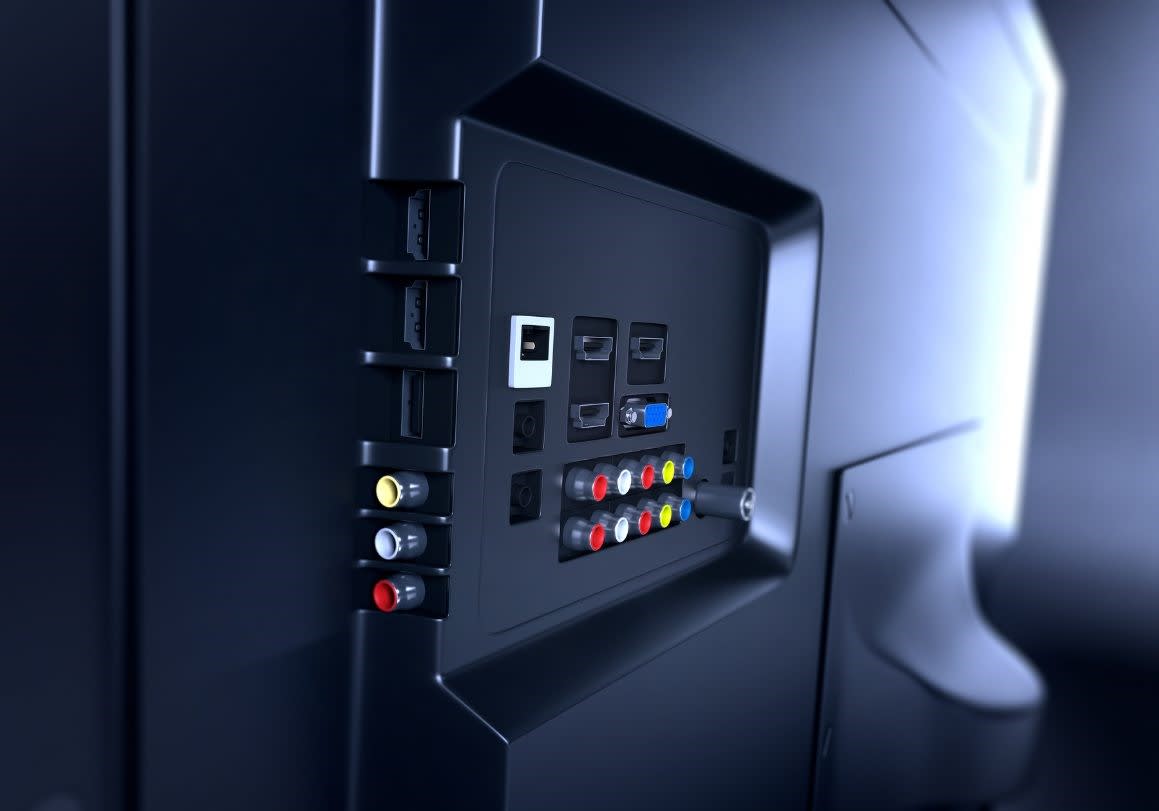
After deciding how you will use your TV, make sure the units you are considering have ports that support those uses.
Most TVs include Wi-Fi and Ethernet network connection, optical output for audio, and three or four HDMI ports, ideally at least one high-bandwidth HDMI 2.1 port. The more sophisticated and demanding your TV use, the more HDMI 2.1 ports you need to support 4K resolution up to 120-Hz, particularly for gaming performance.
All TVs on the market in 2024 have an HDMI ARC (Audio Return Channel) port for connecting soundbars, bookshelf speakers, or A/V receivers with an HDMI cable. A bit higher investment will net you the more advanced HDMI eARC (enhanced Audio Return Channel or eARC). eARC delivers better sound quality by sending uncompressed sound formats to a supported audio device over higher bandwidths. This will only be noticeable with high-performance surround sound systems and the best sound bars.
TV Placement
The placement of a television is determined by blending your preferences of style and the science of comfort and ergonomics.
Viewing Distance
The distance between the screen and those enjoying it is vital to provide comfort and the best experience. TV size is the key factor in determining the ideal viewing distance. The larger the screen, the more distance you need between you and the screen to see the full display and avoid overpowering your eyes. Suggested TV viewing distances:
- 39 to 55 inches – use a viewing distance of eight to nine feet to ensure they are not too far or too close to
- 55-75 inches – seven to 12 feet
- 75 inches – 9 to 16 feet
Try this TV viewing distance calculator.
The large ranges of viewing distance exist because other factors besides distance from the screen’s field affect the optimal viewing distance. Examples:
- A room may have unusual dimensions such as an L-shape or be very narrow but deep that may require viewers to sit closer to the TV than is generally preferred. As this is better than being too far away. Keep in mind that the closer to the TV you are, the closer the screen should align vertically with eye level to avoid causing neck strain and undesirable resolution effects of odd viewing angles. A TV mounted too low can result in bad posture or neck pain as well.
- The person in charge of the design aesthetic may prefer an aesthetic solution such as placing the TV above the fireplace, but it is important to consider how the placement will affect viewing comfort while seated. The aesthetic choice may not be the right choice for the room.
A practical tip to get everyone on board with the proper TV placement is to construct a TV mockup using kraft paper or newspaper pieced together or a large piece of cardboard cut to the size of the screen. Using painter’s tape, move the TV mockup around to the considered positions. Then, take a seat on the furniture you will use (or a substitute with the same seat height) and assess the comfort level for long binge sessions with your favorite shows.
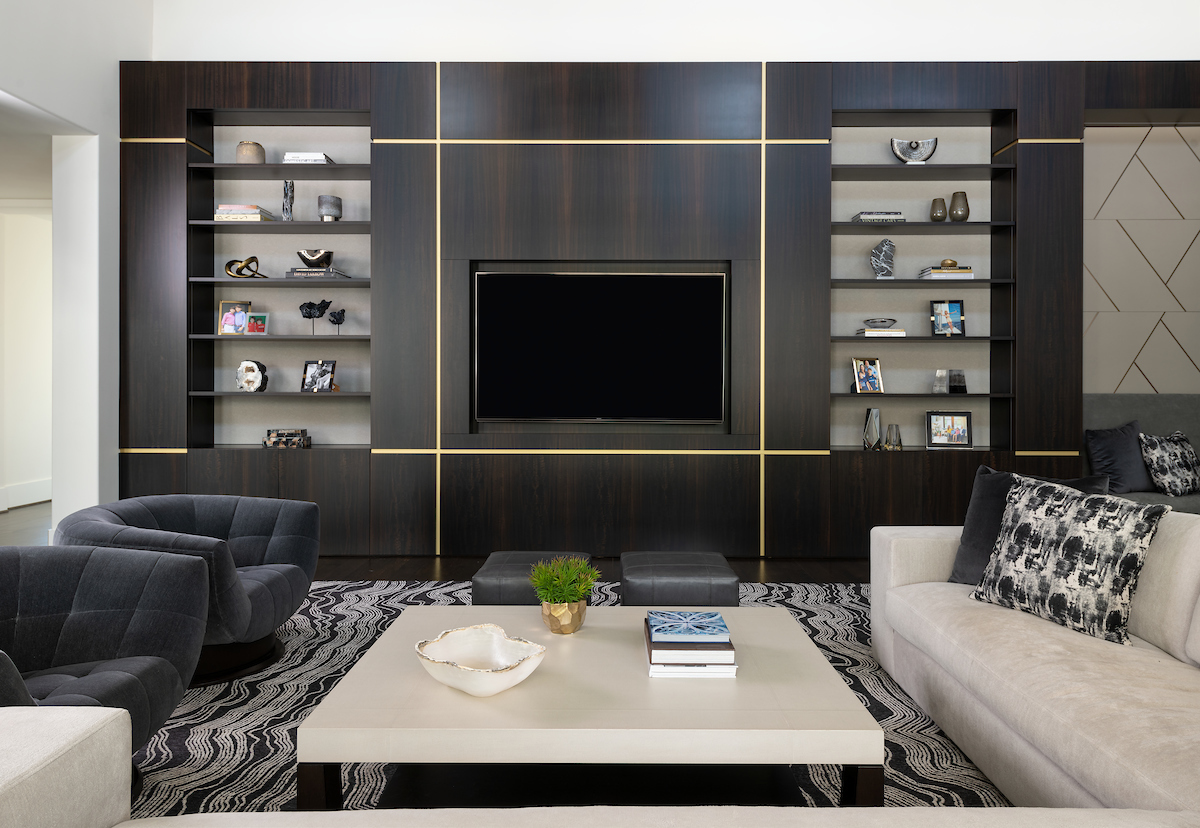
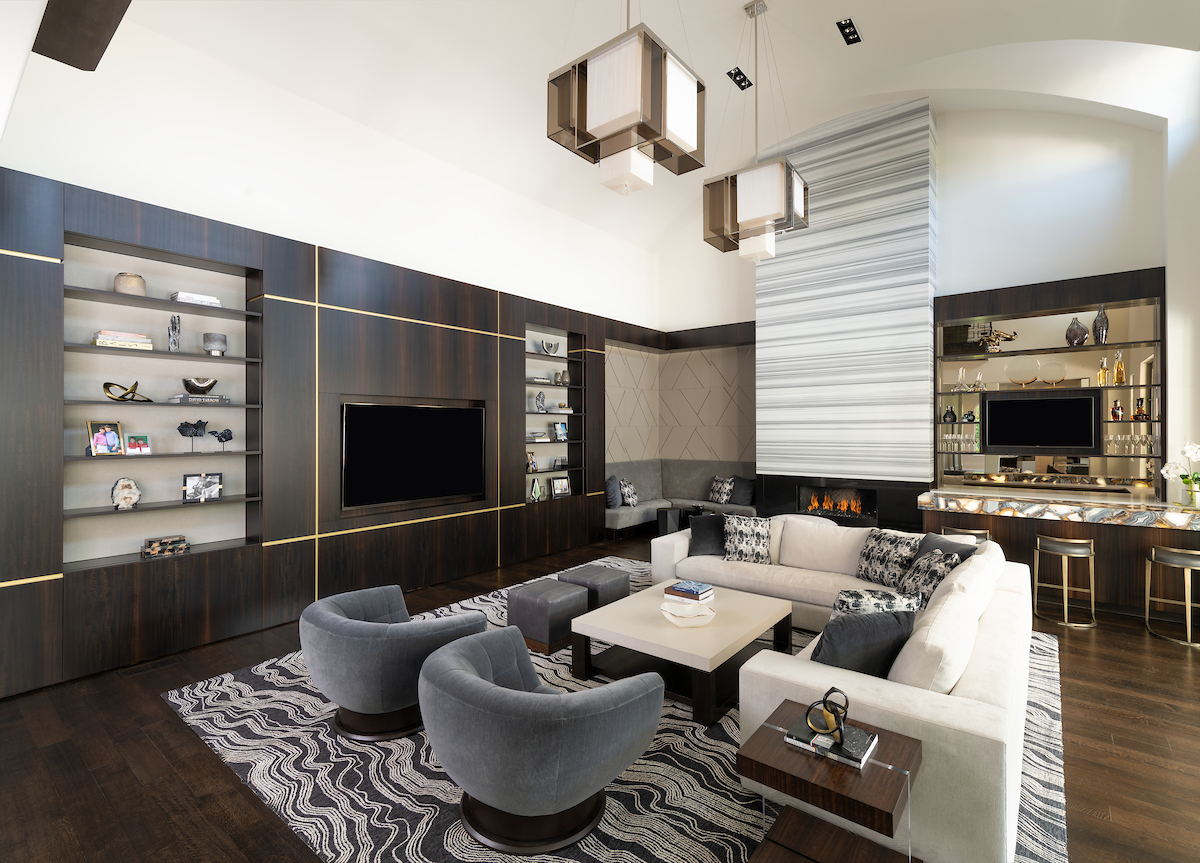
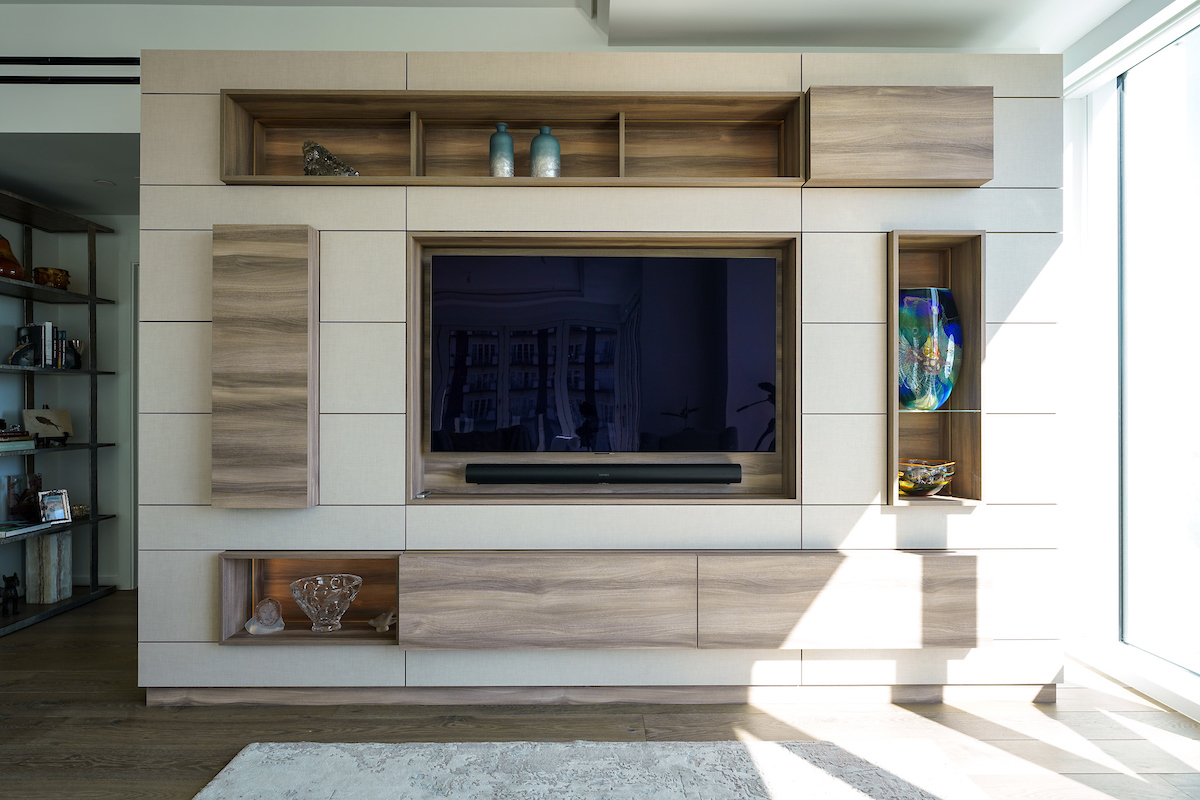
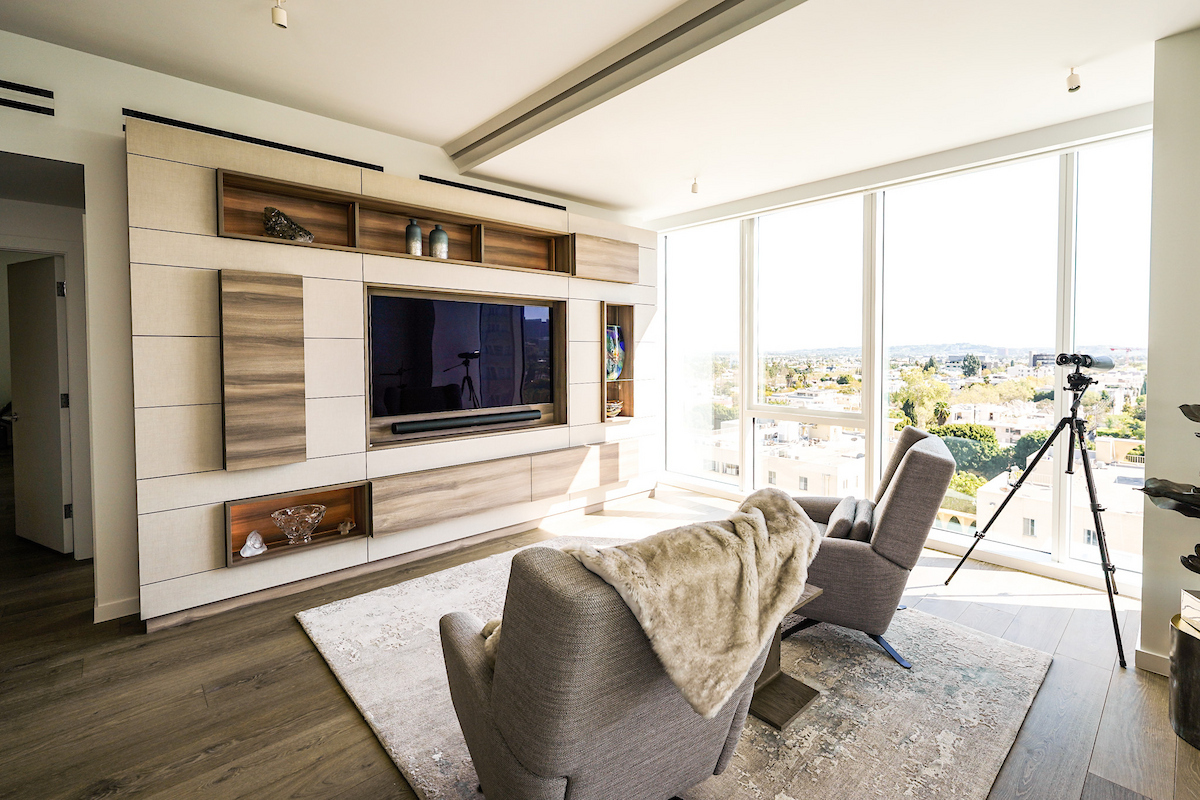
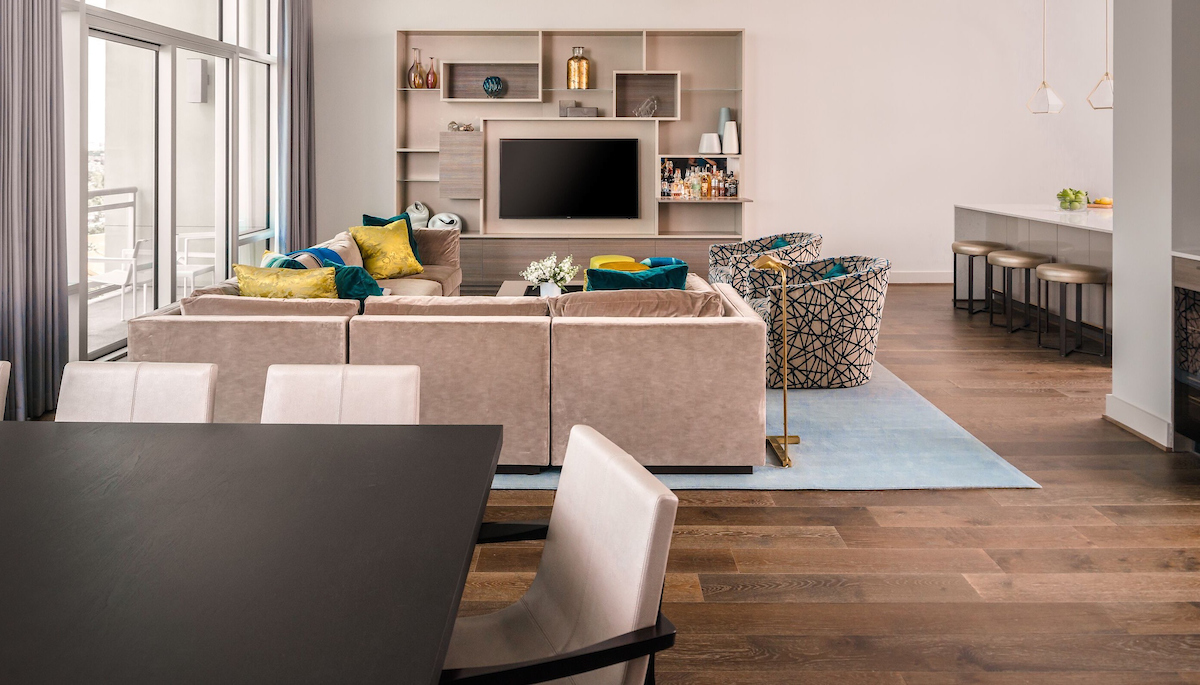
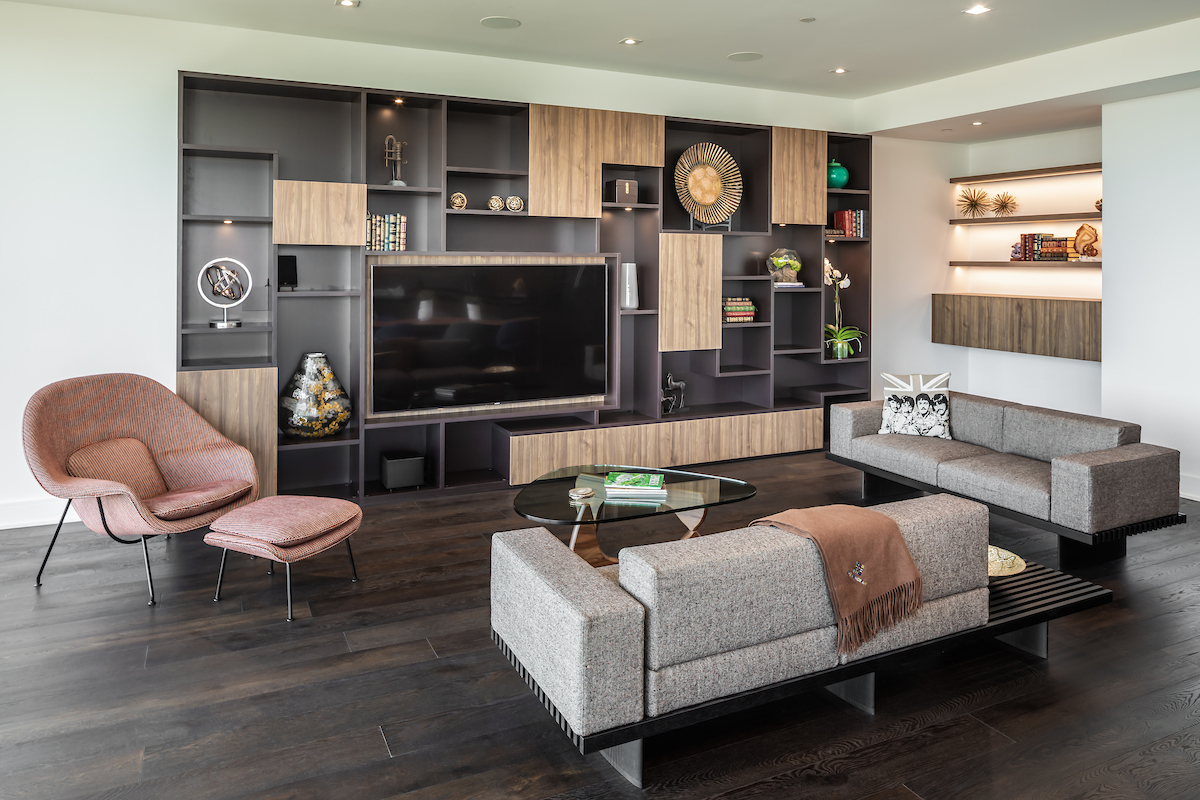
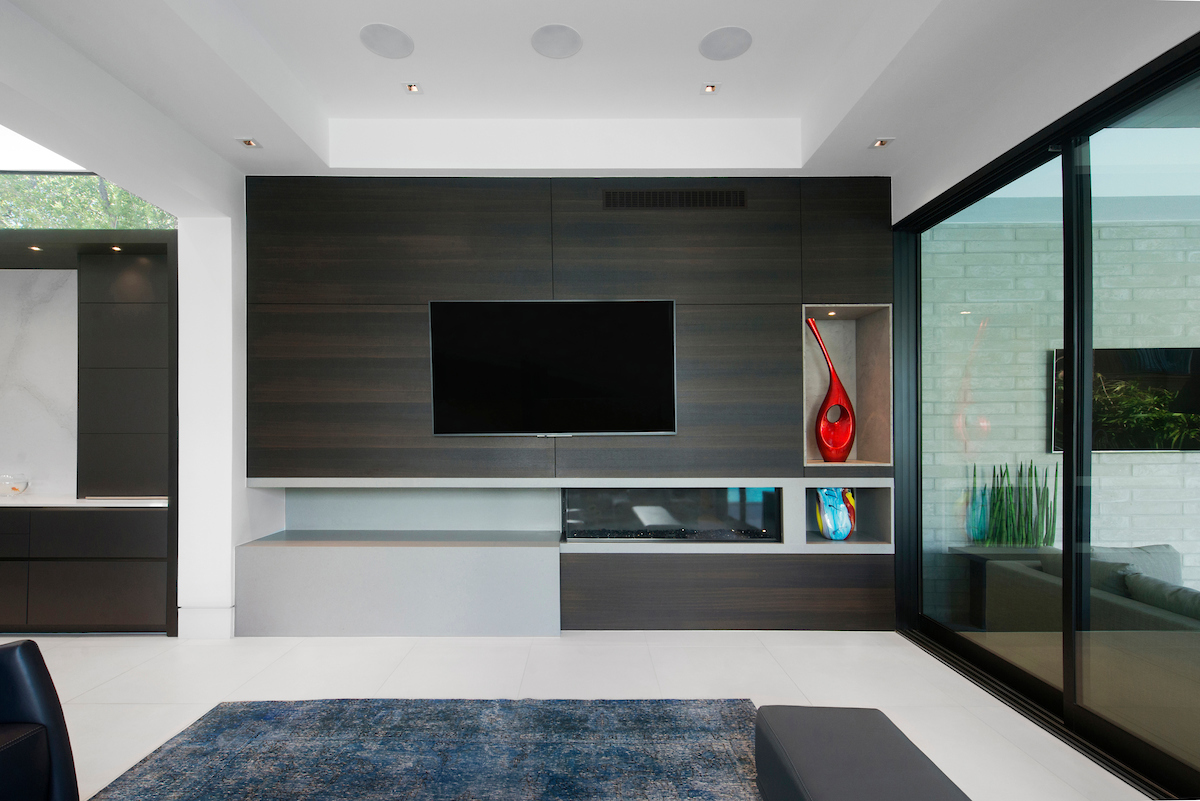
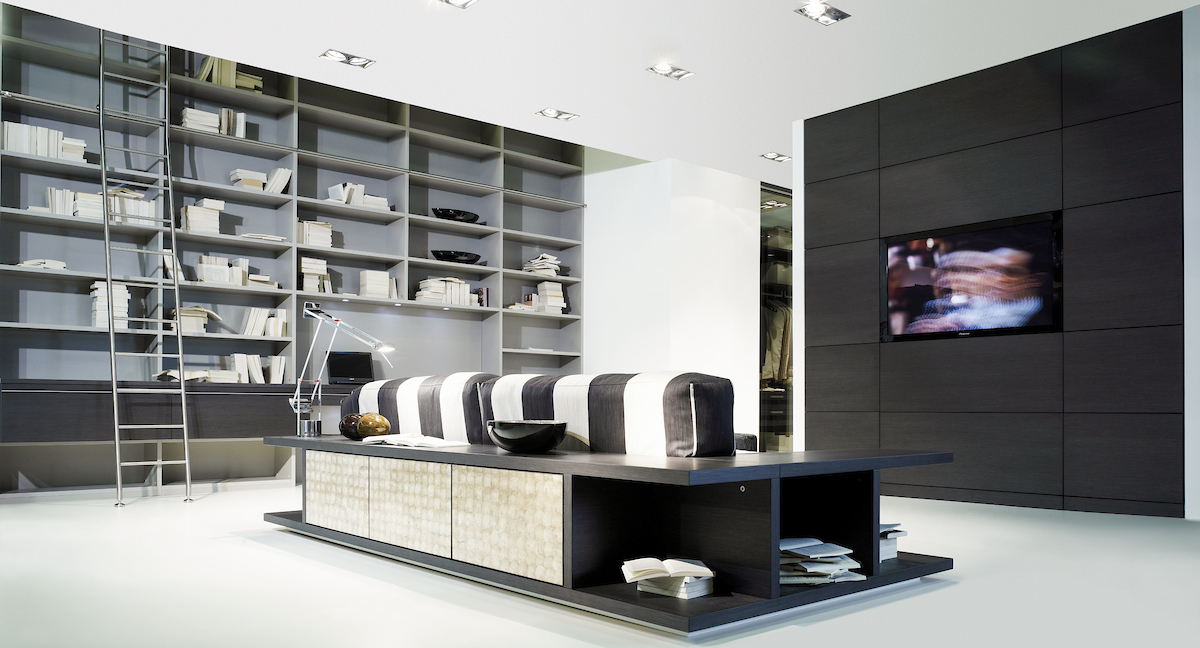
-

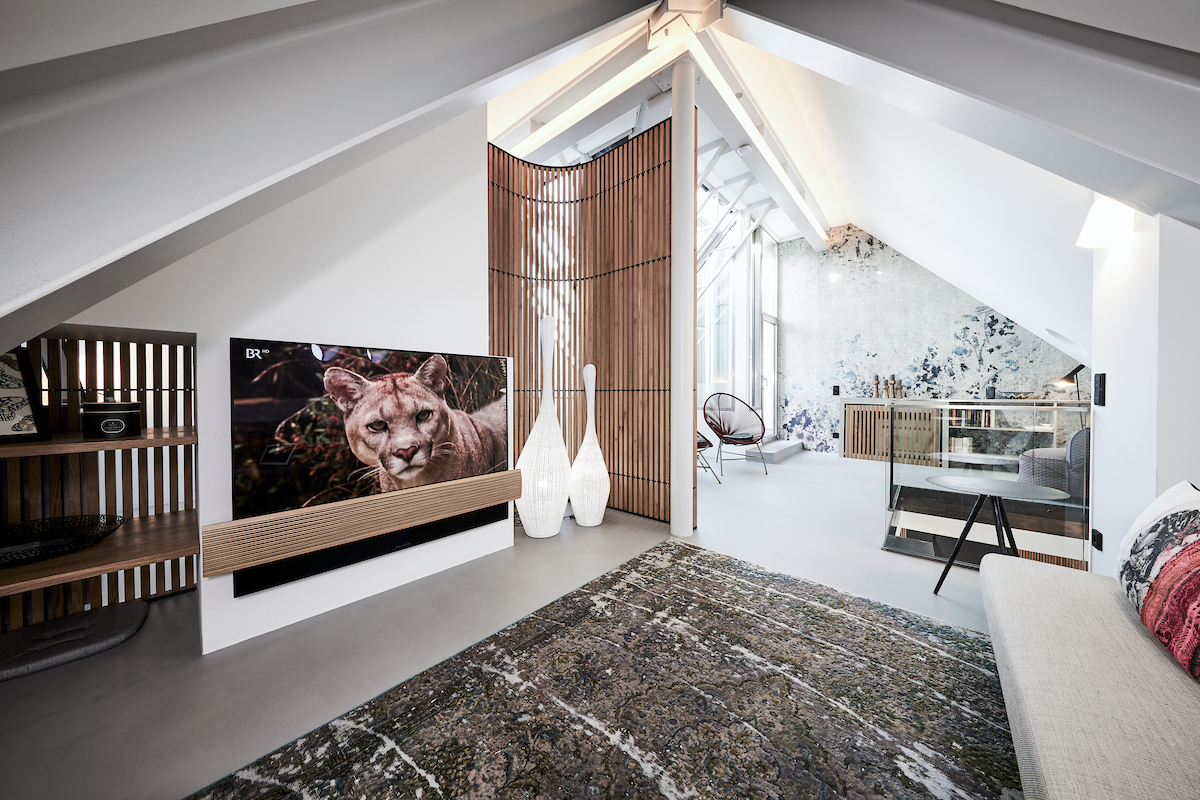
- A modern sleek Munchen apartment design by Schmalenbach featuring a living room and reading niche and panel divider
To Fireplace or Not
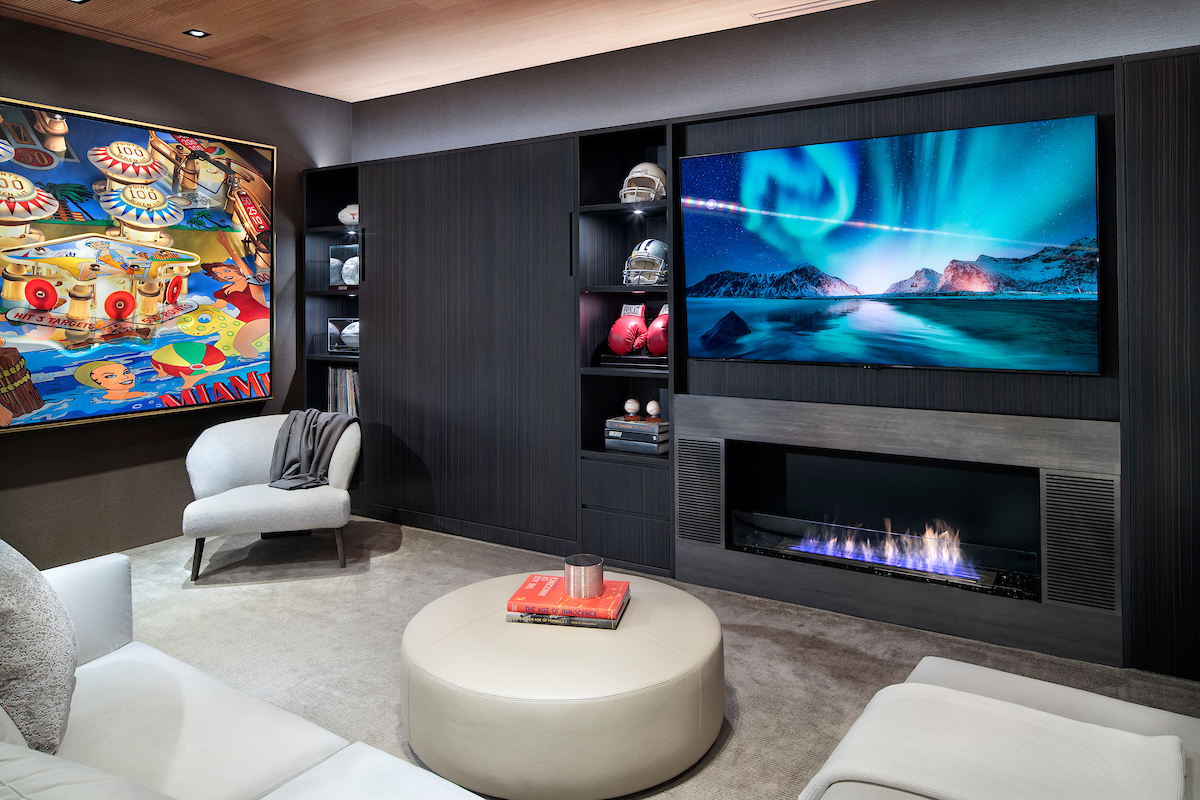
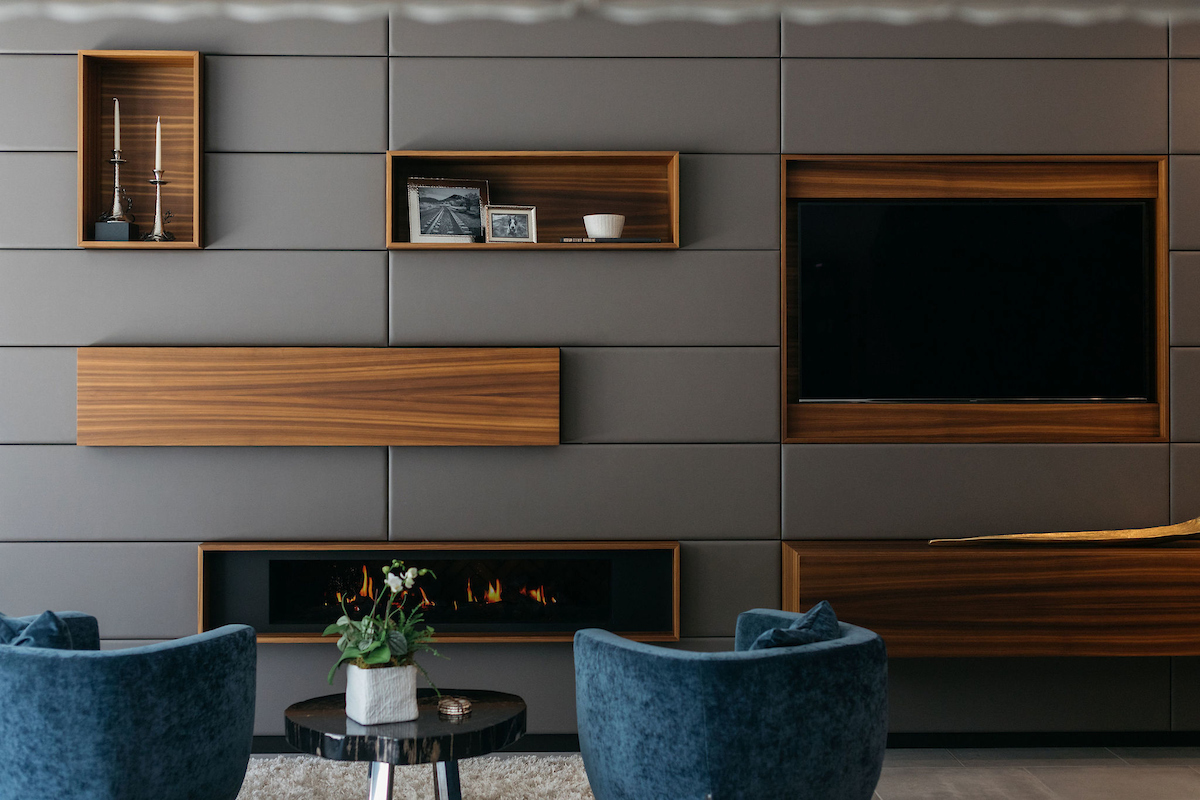
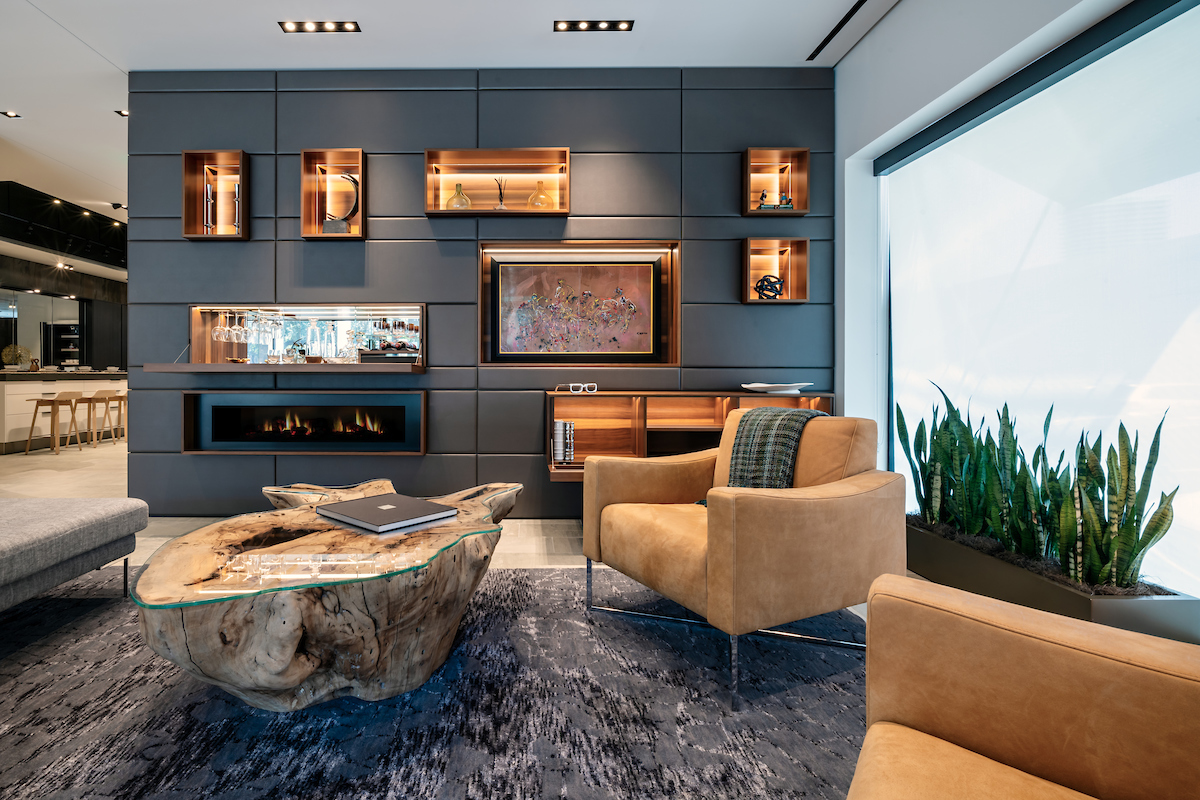
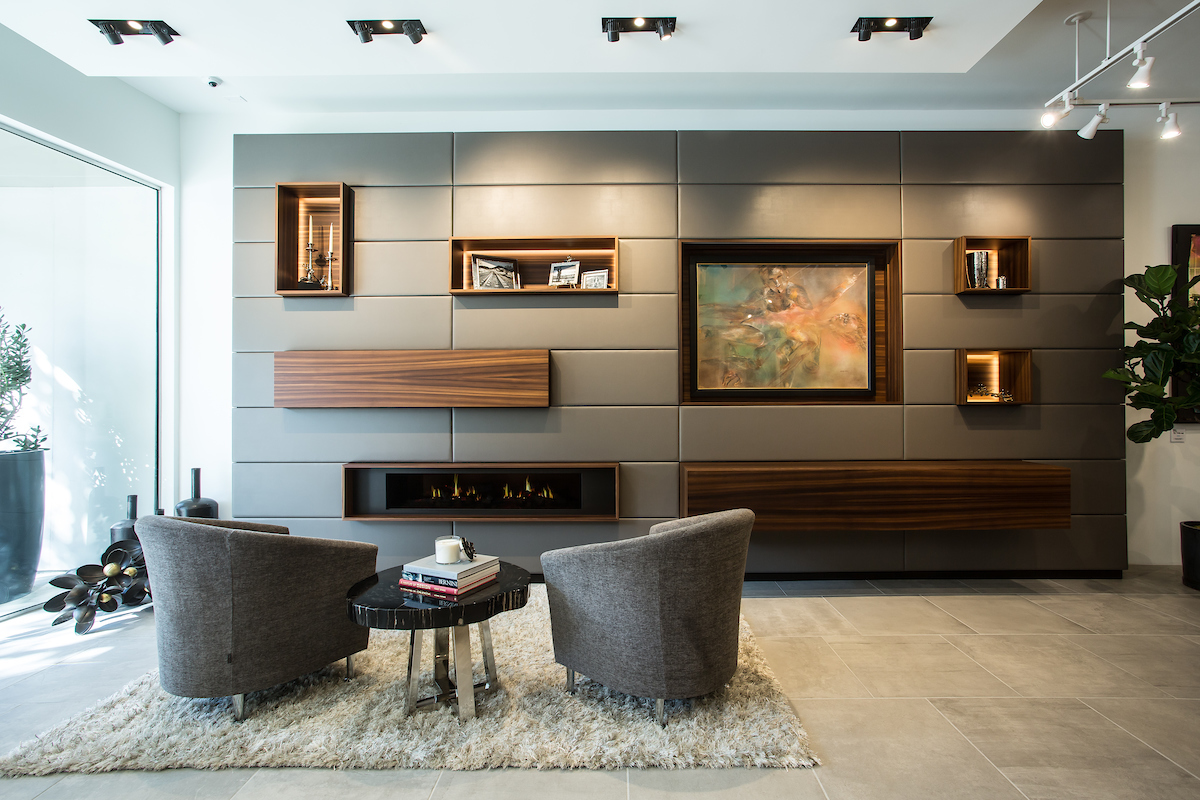
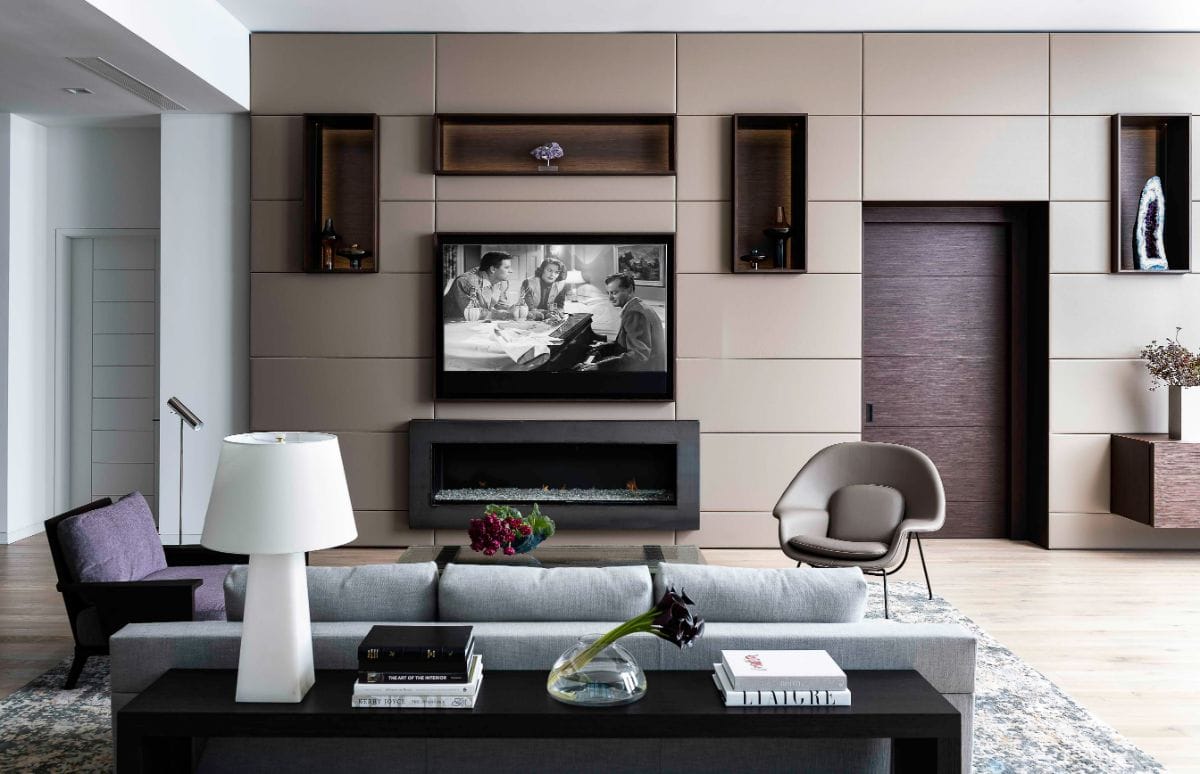
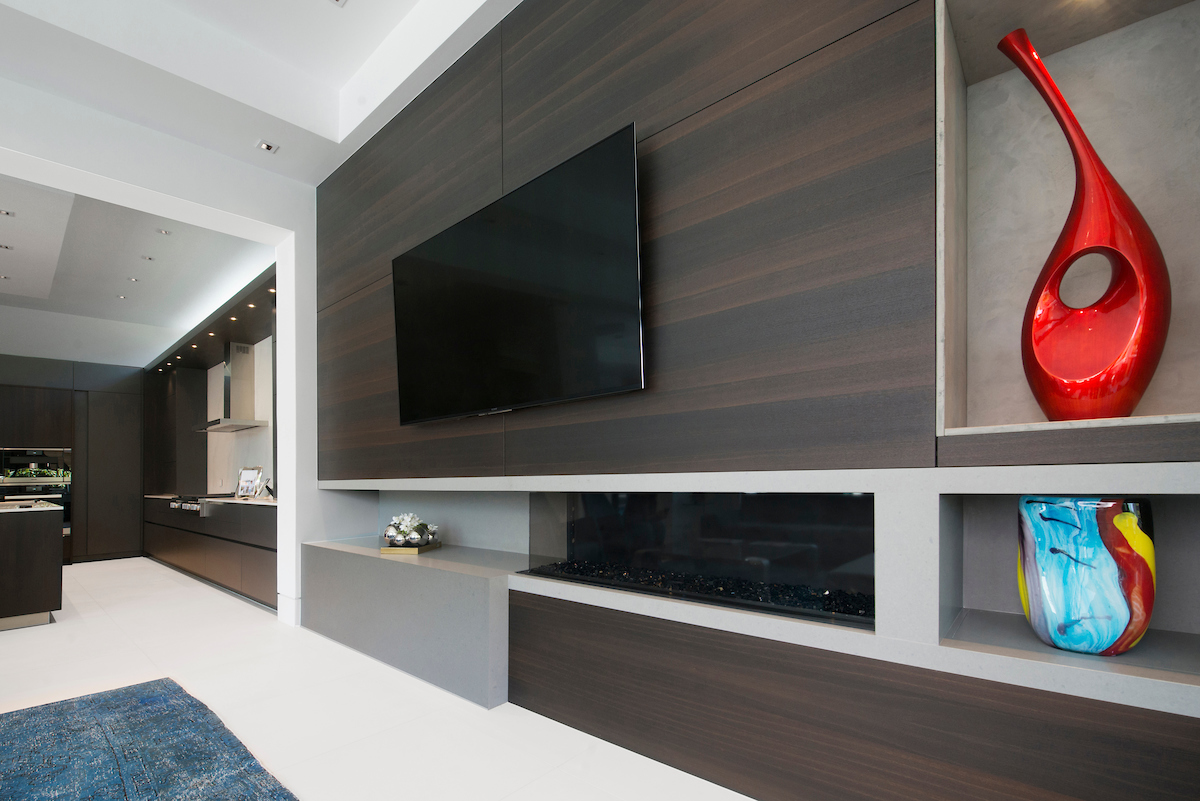
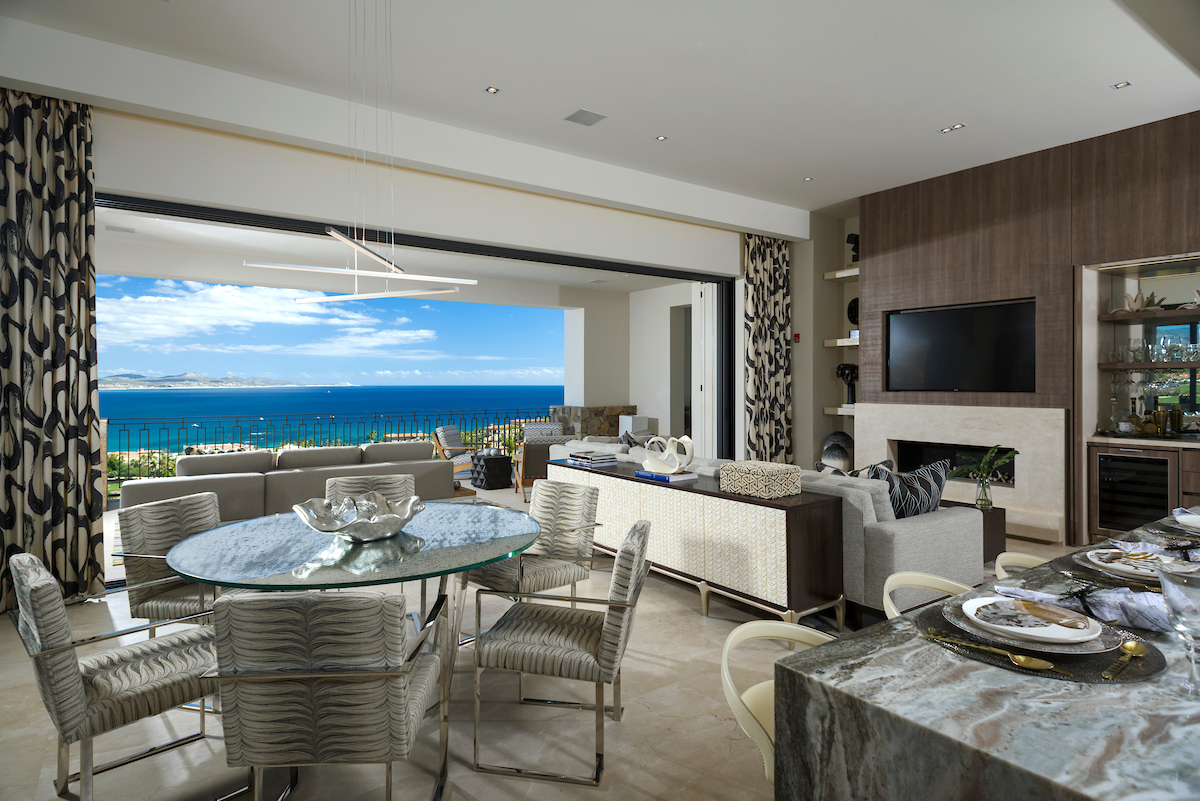
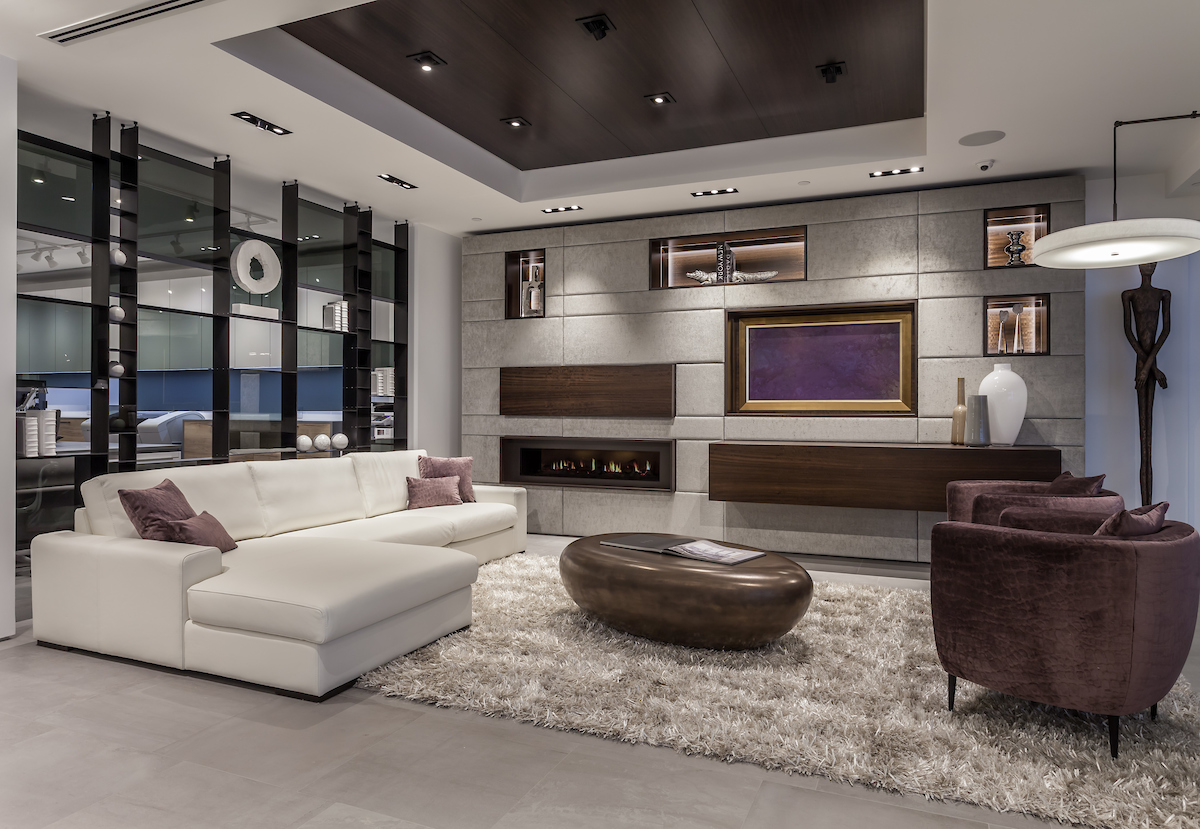
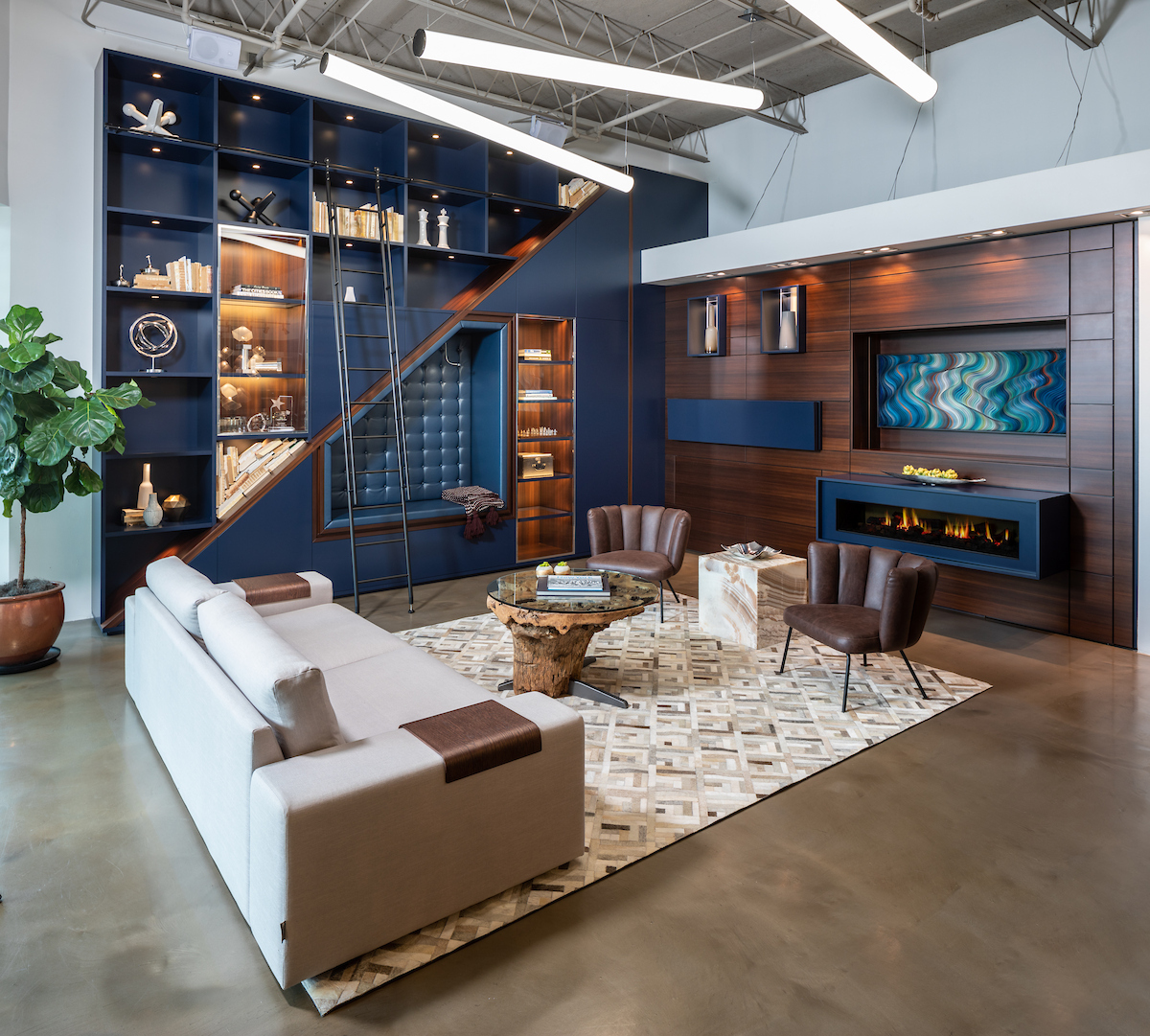
Fireplaces are favorite spots for TVs. After all, seating is usually set to maximize enjoyment of the fire and the space above the mantel is in need of something to fill it. While higher seating and specialty mounts that pivot vertically may help with ergonomics, there are other considerations. Ensure the TV is sufficiently distanced from direct heat, especially with wood-burning or gas fireplaces. This will extend your TV’s life and prevent needless home fires.


Avoid Glare
Most people consider windows, especially for TVs, to be used during the day. Blinds and curtains, even sheers that diffuse the light may be enough to prevent glare. But also consider adjoining rooms, both those without doors, such as kitchen lighting spilling into the living area), and those with doors, such as a convenient powder room where the light might suddenly turn on during movie night before the door is closed.
If you are lucky enough to be making all these decisions during the design of a home, you have the chance to move doors and redesign the lighting, if not, you may have to change where you place the TV.
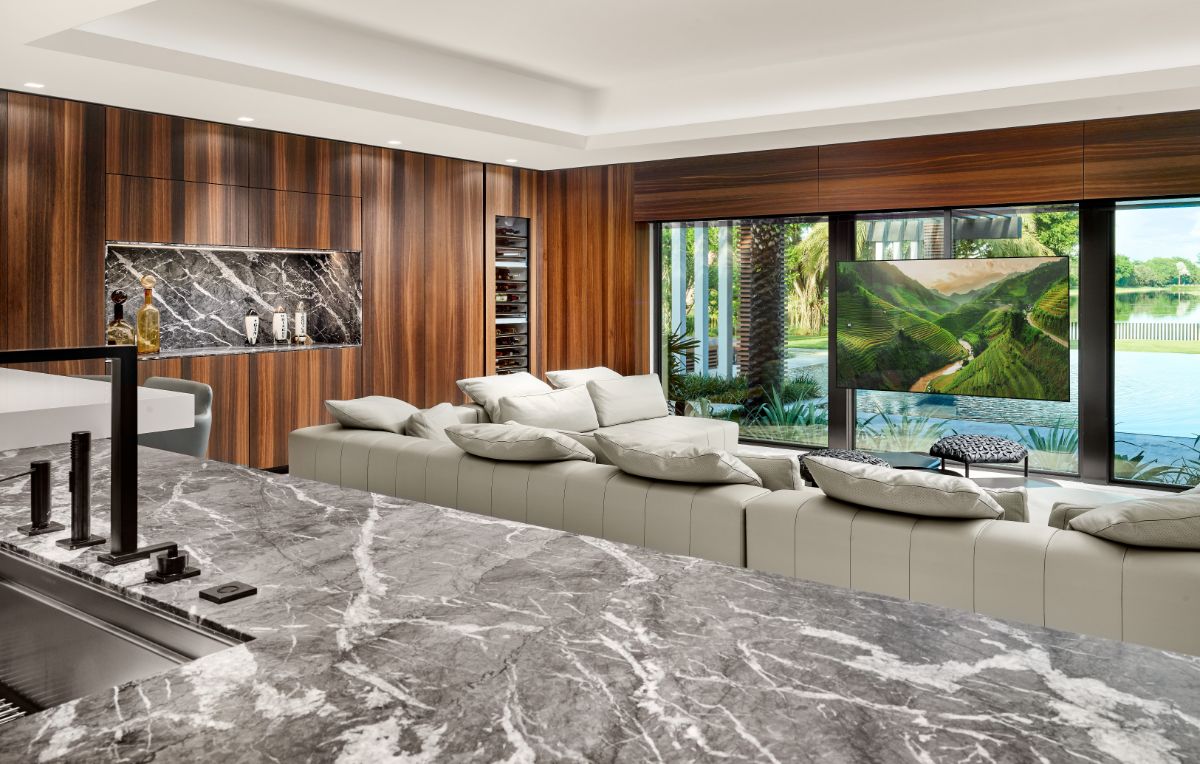
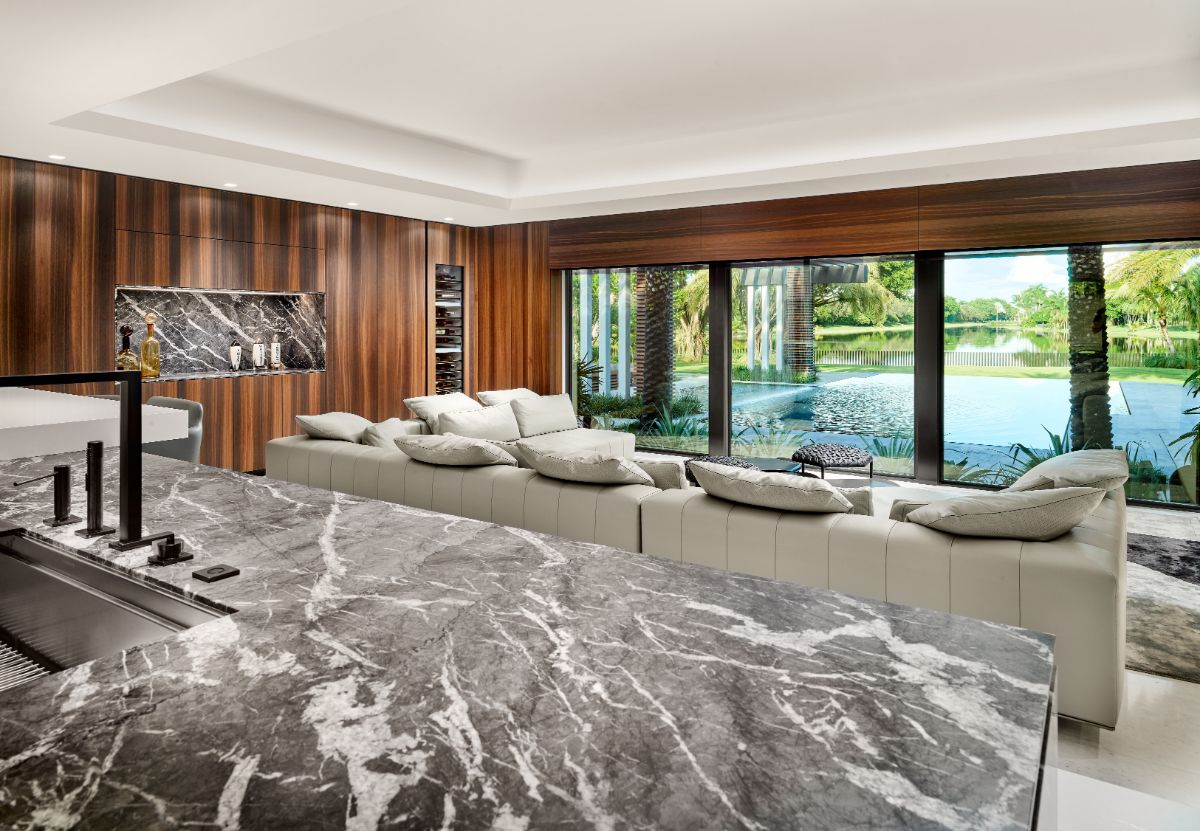
Consider this clever hideaway television mount that, when revealed, the TV sits in front of the window to avoid glare and enable you to enjoy the great outdoors while viewing.
-

- now you see it
-

- now you don’t
Hiding the TV
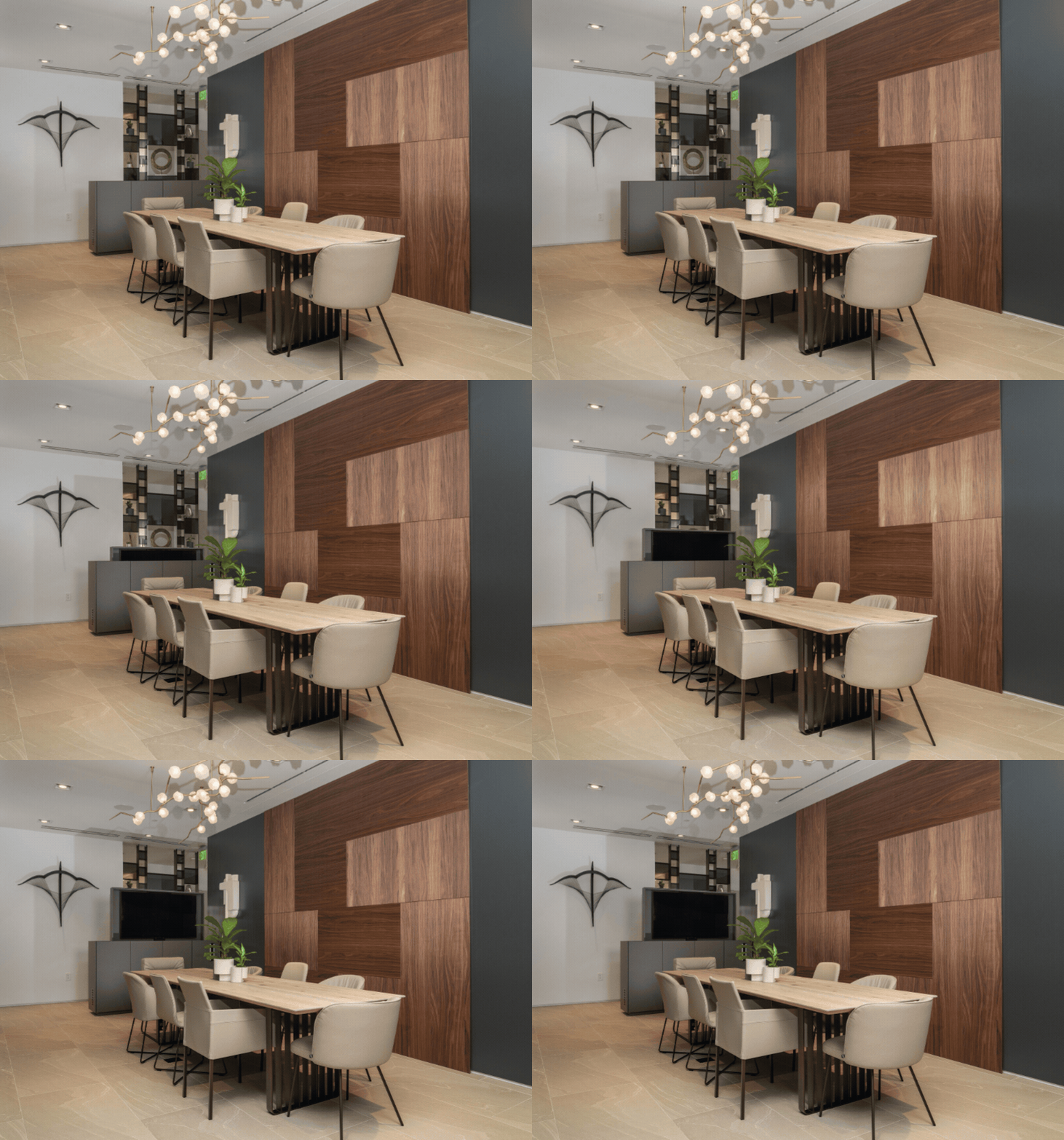
Some opt for putting the TV in a den, game room, or media room putting it completely out of sight. However, for most, the hub of the home is the best place to suit their family and entertaining needs. But what if you still don’t want to look at the black hole of a screen when it is not being used? Hide it!
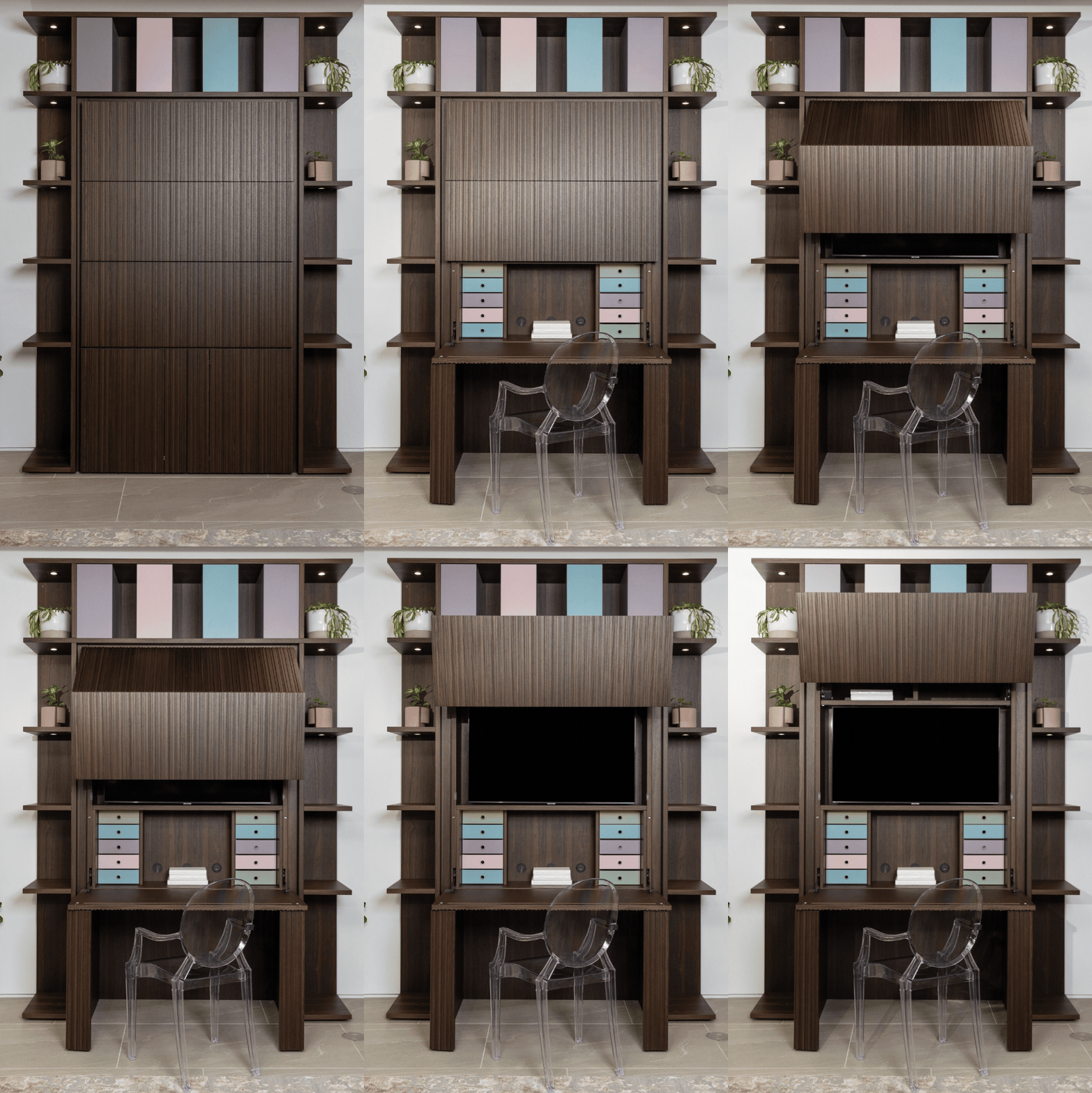
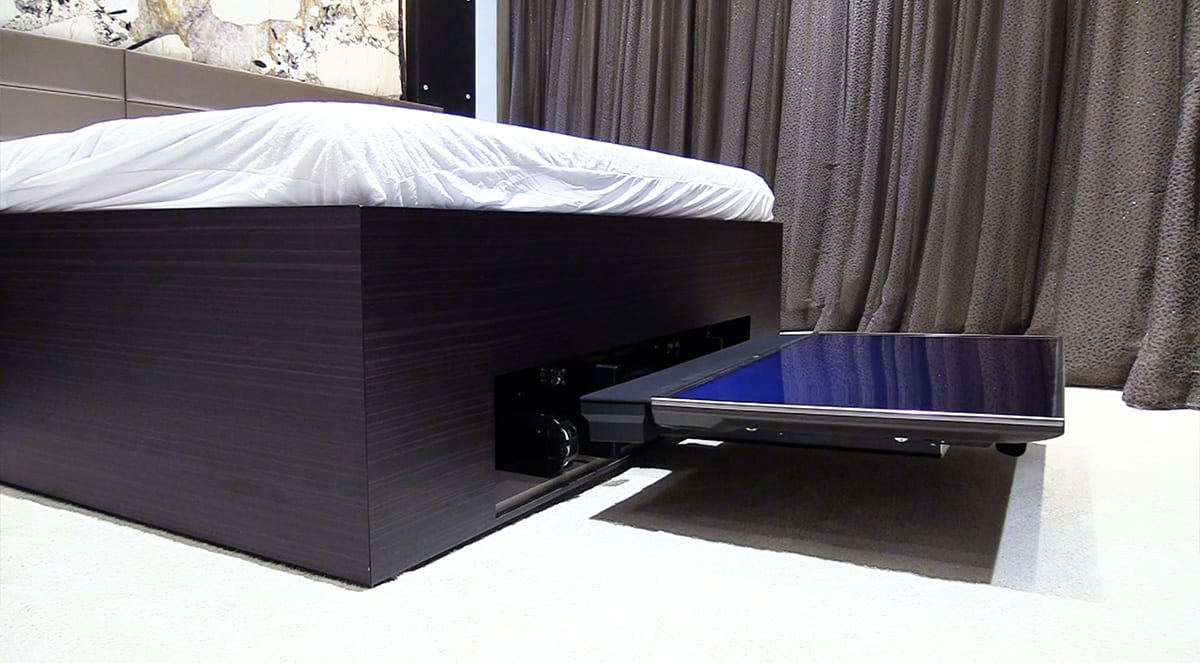
With today’s innovative lift mechanisms, you can stow and retrieve your TV at the touch of a button or even the command of your voice. This option is becoming increasingly popular with our clients.
Especially in areas outside living areas and media rooms like a bedroom or dining room where you may not want the TV visible most of the time, our custom furniture and cabinetry can offer you options to have your TV and hide it, too.